Choose a plan
All plans come with: Drag and Drop, Unlimited Posts, Filters, Photo Editor, Hashtag Groups Manager, Beautiful Stock Photos, and Photo, Video and Carousel posts.
.
- 1 User
- 1 Device
- Unlimited Posts
- Reels Planner
- TikTok Planner
- 2 Filter Packs
- Basic Analytics
- Video editor
- Fonts
.
- Free Features
- +
- Unlimited Posts
- All Filter Packs
- Repost
- All Caption Fonts
- Image Splitter
- $6.67/month*
.
- Pro Features
- +
- Auto-post Instagram, Facebook, TikTok
- Insta Story Planner
- Unlimited Reels
- Unlimited TikToks
- Full Analytics
- Competitor Insights
- 3,000+ Caption Ideas
- Hashtag SEO Keywords
- Desktop Planner
- User & Location tag
- Product Tags
- Repost
- Reply to Comments
- Unlimited Creation (Graphics, Sound Effects, Music, Magic Paste from any URL)
- Unlimited Devices
- Team Features (Unlimited Team Members)
- Backup Planned Posts
- $12.50/month*
* All prices in USD
Billed yearly. Monthly plans available too.
Frequently Asked Questions
How many posts can I schedule per month?
As many as you want. There’s no limit. Plan a month, 2 months, 6 months or a year in advance if you want.
What are the "Hashtag SEO Keywords"?
We personally research and hand-pick Instagram hashtags to help you find the most relevant ones for your account, content, and audience.
Our hashtag collections cover different niches, industries, businesses, countries, locations, and Instagram communities—making it easier for your content to reach the people who are most likely to be interested in it.
But hashtags aren’t just about hashtags anymore.
They can also act as SEO (Search Engine Optimization) keywords, helping Instagram understand what your content is about. When people search for topics related to your content, using relevant keywords and hashtags can improve your chances of appearing in Instagram search results and being discovered by new audiences.
Think of them as another way to tell Instagram: “This is what my content is about—and this is who should see it.”
What are the "caption ideas"?
Preview has a built-in Caption Finder with over 3,000 caption ideas for personal and business accounts.
Whether you need a quick caption, a strong opening line, or inspiration to get your creativity flowing, you’ll find ideas for almost any type of post.
Inside the Caption Finder, you’ll find:
- Caption Templates — ready-to-use ideas you can make your own
- Caption Starters — strategic hooks to help you write an attention-grabbing first sentence
- Quotes & Puns — for when you want something short, fun, or memorable
- “Get Comments” Captions — ideas designed to encourage more interaction
- Questions to Ask Your Followers — start conversations and naturally encourage more comments
- Seasonal Captions — ideas for summer, winter, spring, fall, and special occasions like Mother’s Day, Christmas, and more
- Calls-to-Action — encourage people to comment, share your post, visit your link in bio, shop your products, and more
- Business Captions — caption ideas created specifically for brands, shops, and businesses
Never feel stuck wondering what to write again.
And whenever you need a little inspiration, simply browse the different caption categories and let the ideas get your creative juices flowing.
How many Insta Stories can I plan?
As many as you want. There is no limit.
How many team members can I invite?
As many as you want. There’s no limit.
You only need one Premium subscription for your entire team – not one subscription per team member.
What if I don’t want to give my Instagram password to my team members?
You can invite them as “Team Members”. This means you will give them access to your Preview feed and features, without giving your Instagram password.
Just go in your Preview Settings and tap on “Team” to add team members.
Can I give team members special permissions?
Yes you can. Choose what you want them to see (or not see) and do (or not do). For example, you can choose to allow them to view your feed, but not see your analytics.
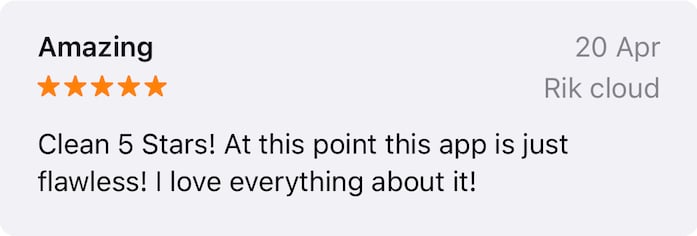
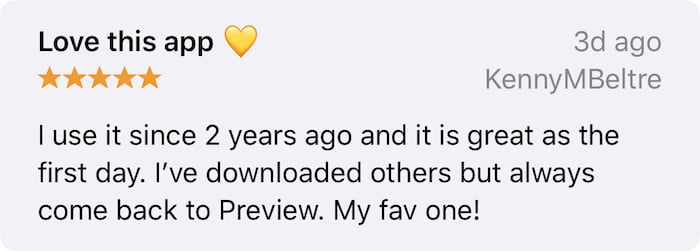
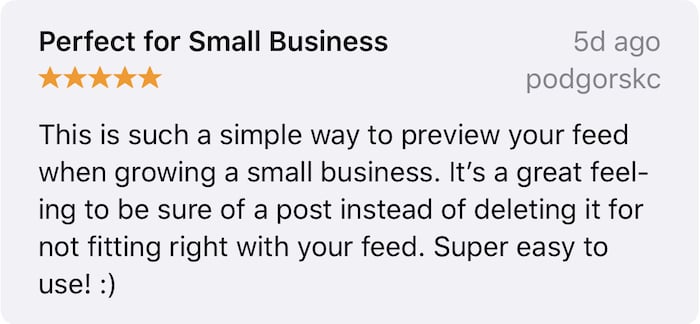
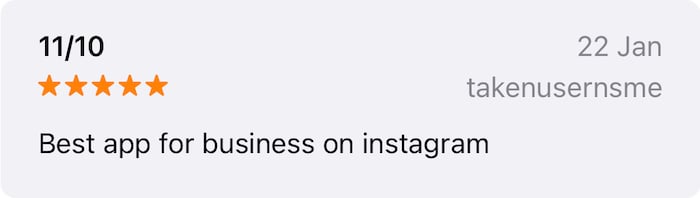
⭐️⭐️⭐️⭐️⭐️
+100,000
5 Star Reviews