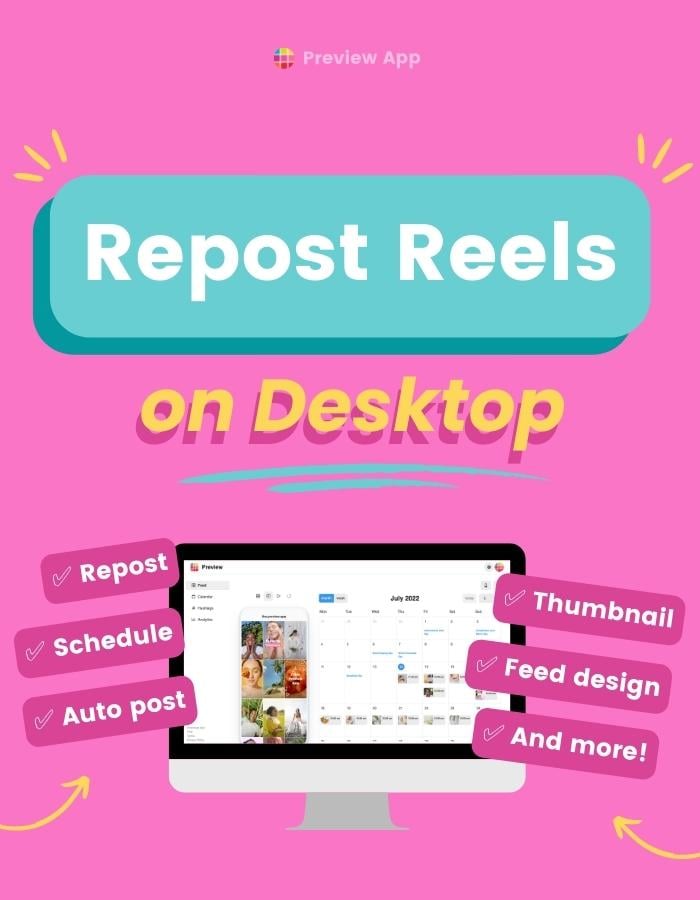
Want to repost other people’s content (or your own)? Preview has been officially reviewed and approved by Instagram. So it is safe to use for your account. You can repost Instagram Reels on Desktop with Preview App. You can also use it to: Plan your main feed...
Let’s dive into different ways to make money on Instagram. You can have 1,000 or 100,000 followers, or more. I will share ways to make money using the Instagram features and your own passions. Choose the way that speaks the most to you, depending on what your...
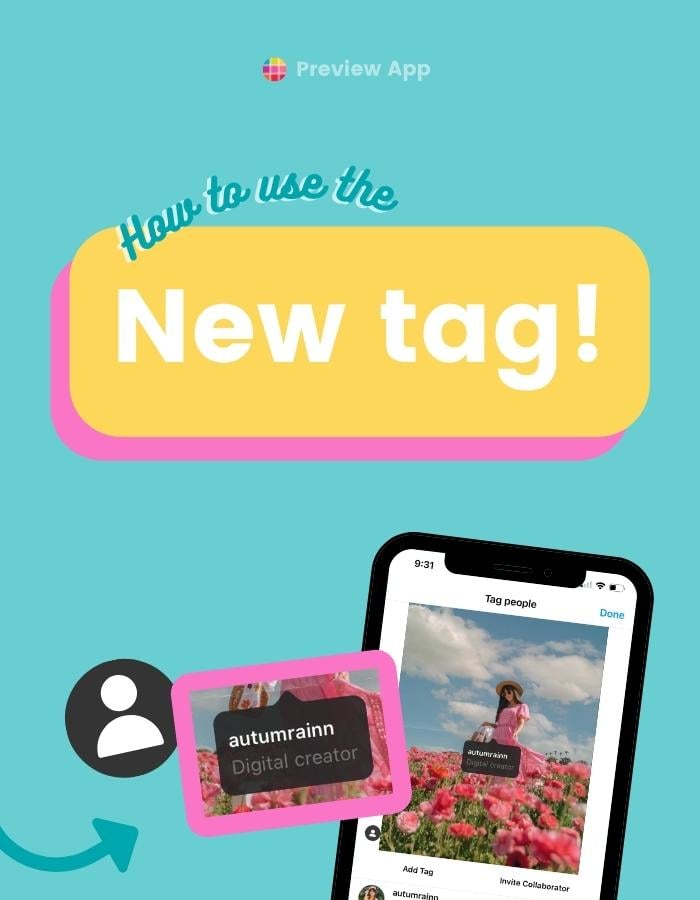
Want to show someone’s profession or description under their username, when you tag them on your post, on Instagram? This special tag is called an “Enhanced Tag”. It shows the “Profile Category” the person chose for their page. Here is...
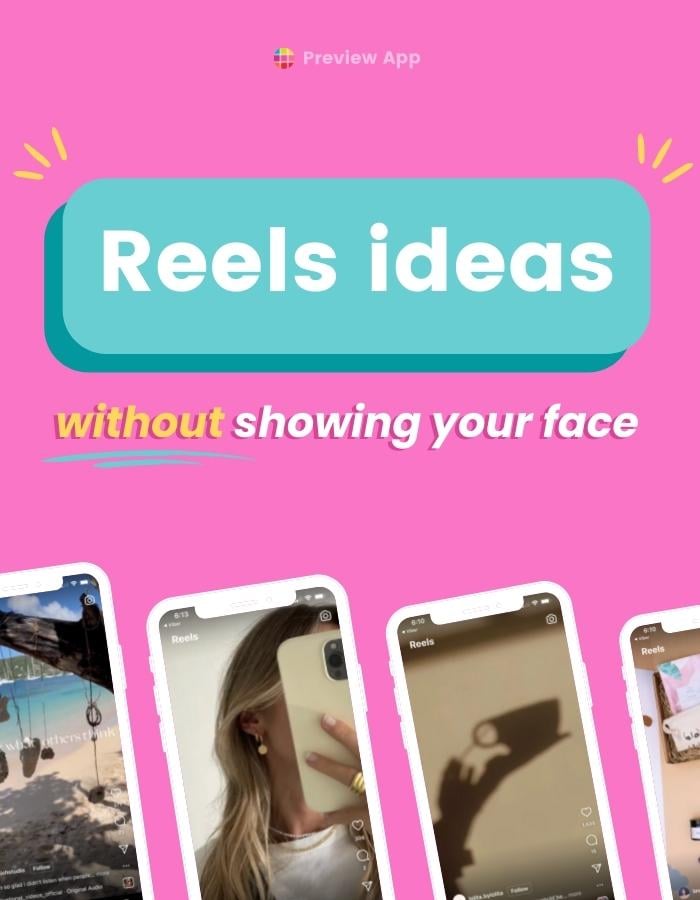
So many Reels go viral even if there’s no face in it. So there is hope and potential for all of us! Here are 45 Instagram Reels ideas without showing your face. If this doesn’t inspire you, I don’t know what will. Just kidding. 🙃 If you need more...
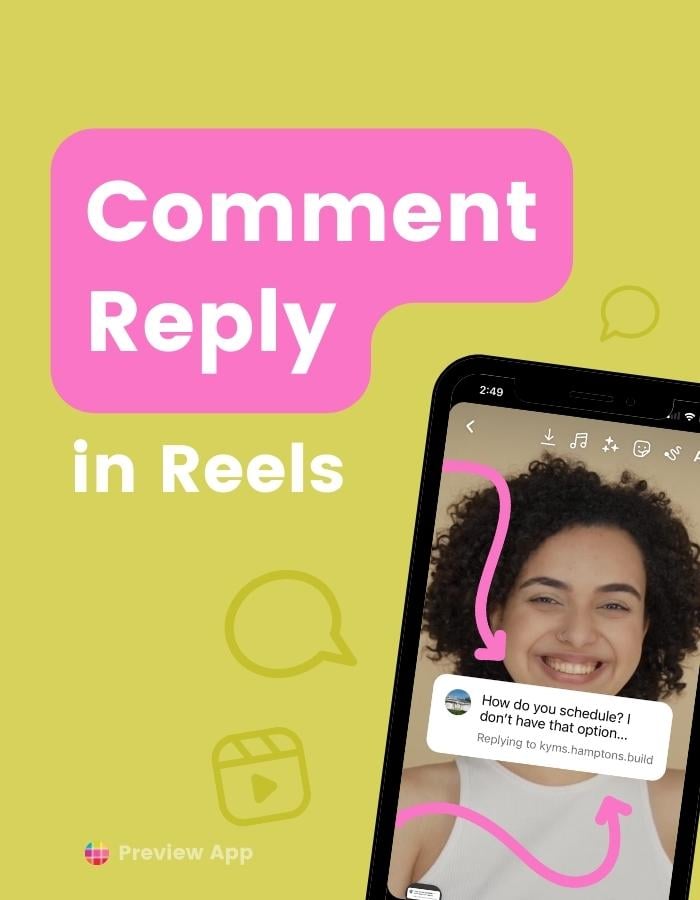
Want to reply to a comment in a Reels video? So that the comment looks like a Sticker on top of your video? It’s super easy to do! Let’s start. How to reply to a comment in a Reels video Keep scrolling to see extra tricks. To reply to a comment in a Reels...
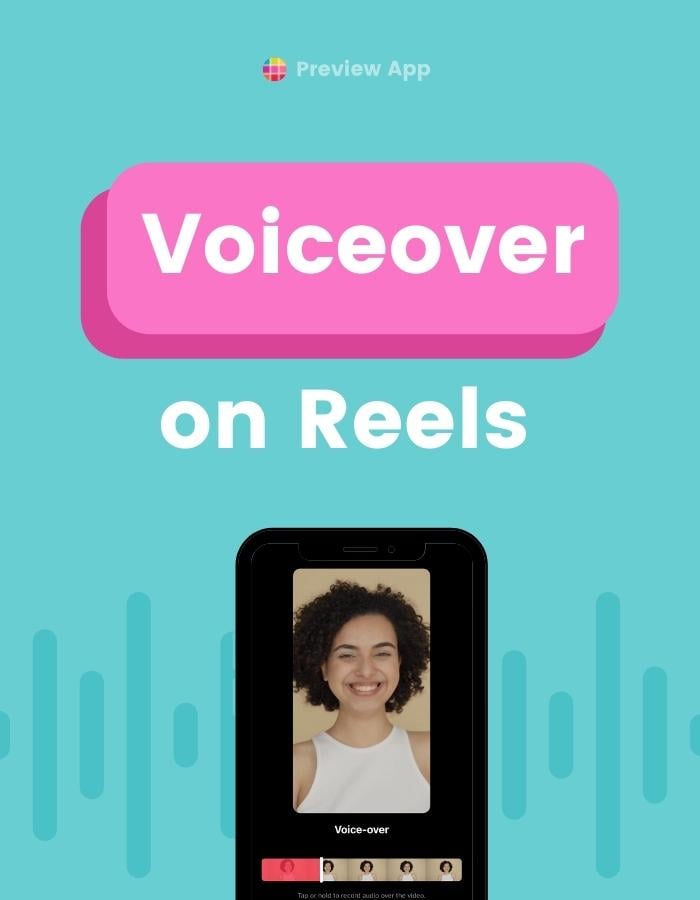
Want to add a voiceover on Instagram Reels? With your own voice? It’s super easy to do. Here’s how to do it (and an extra trick at the end). Tip: If you want to add the “Siri” or “Robot” voice on top, see this tutorial. How to add a...
 | Jul 17, 2022