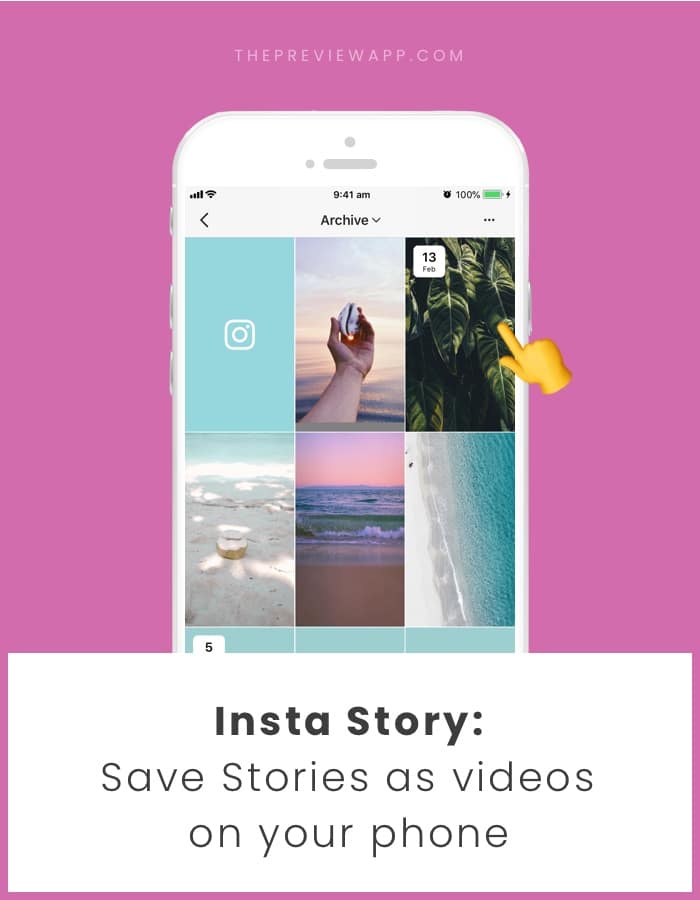
Finally! Instagram made this new feature! If you’re new to the Insta Story game, here is how it works: You can share your Insta Stories as usual They will disappear 24 hours after you posted them But if you don’t want them to disappear you can save them in what is...
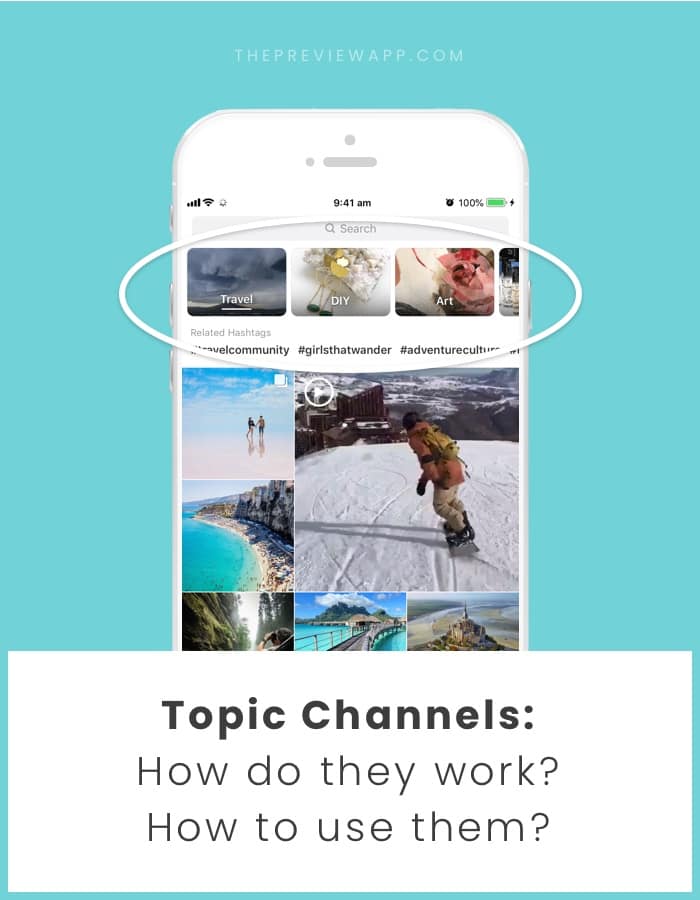
Let’s talk about the new “Topic Channels” on the Instagram Explore page. It is a very exciting new feature for all of us! Before, the Explore page was a mix and match of different posts. It looked a bit random (but it wasn’t random because Instagram showed you what...
You can share your post (or someone else’s post) in your Insta Story. The post will then be clickable in your Insta Story. When people tap on the post, they will be redirected to the post instantly. This is a great trick: If you want to share your post from your feed...
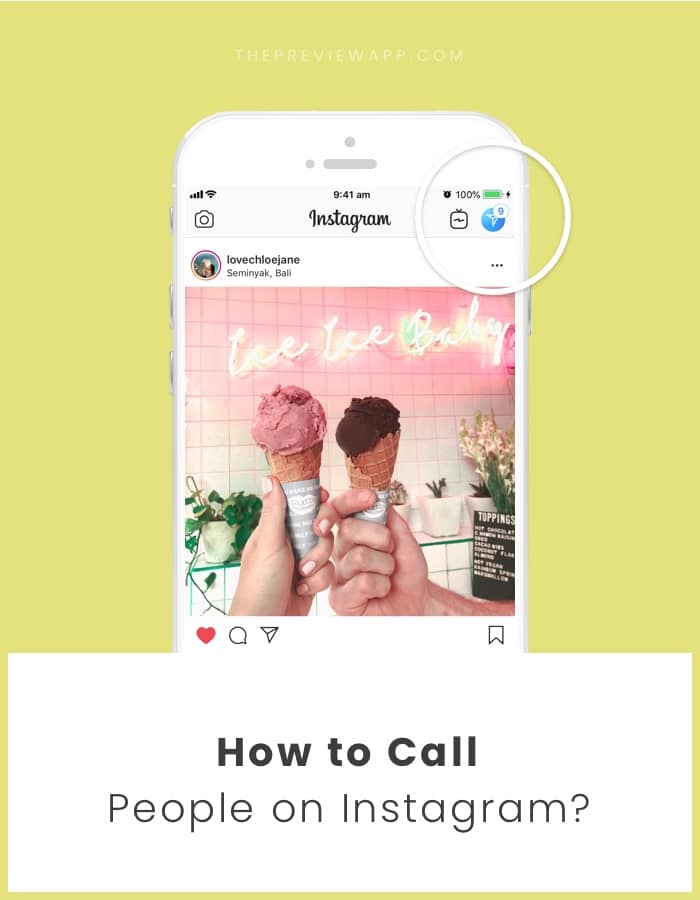
You can call people on Instagram now! This is awesome if you want to chat with your friends. And it is awesome for businesses too: Call to book an appointment Call for a free consultation Call for consultations Call to catch-up with a client The opportunities are...
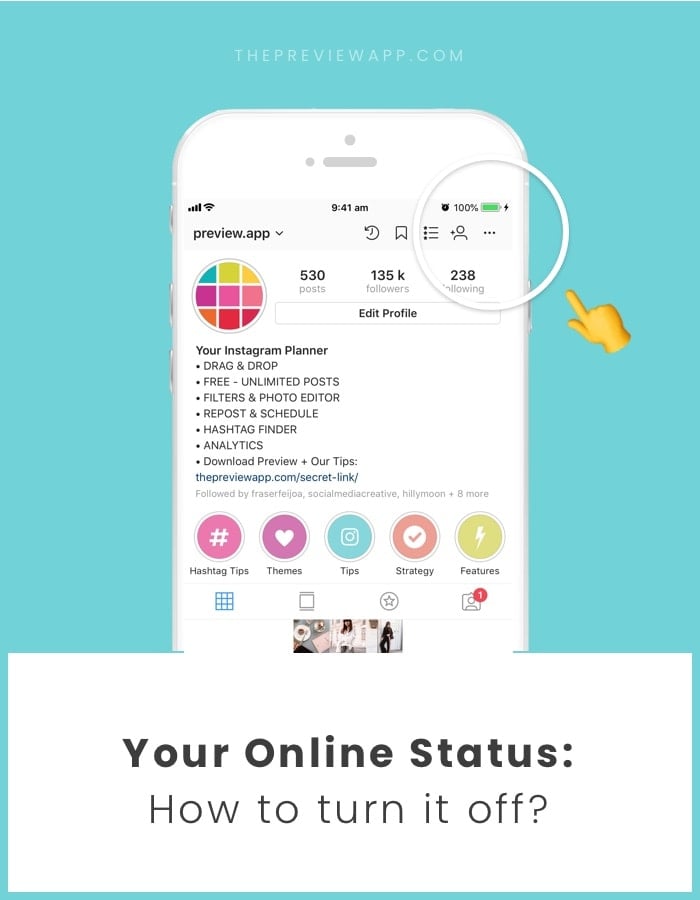
This is how it works at the moment: if you messaged someone in the past, they will be able to see when you are online / active on Instagram. They will see under your name, in the Direct Messages: “Active 10 minutes ago”. Good news: you can turn this off if you don’t...
Did you know that you can turn your Insta Stories into a video? And then save the video in your camera roll? This is a good trick to know if you want to turn your Insta Story content into a video for your IGTV or YouTube channel. Think about it: your content is...
 | Jul 11, 2018