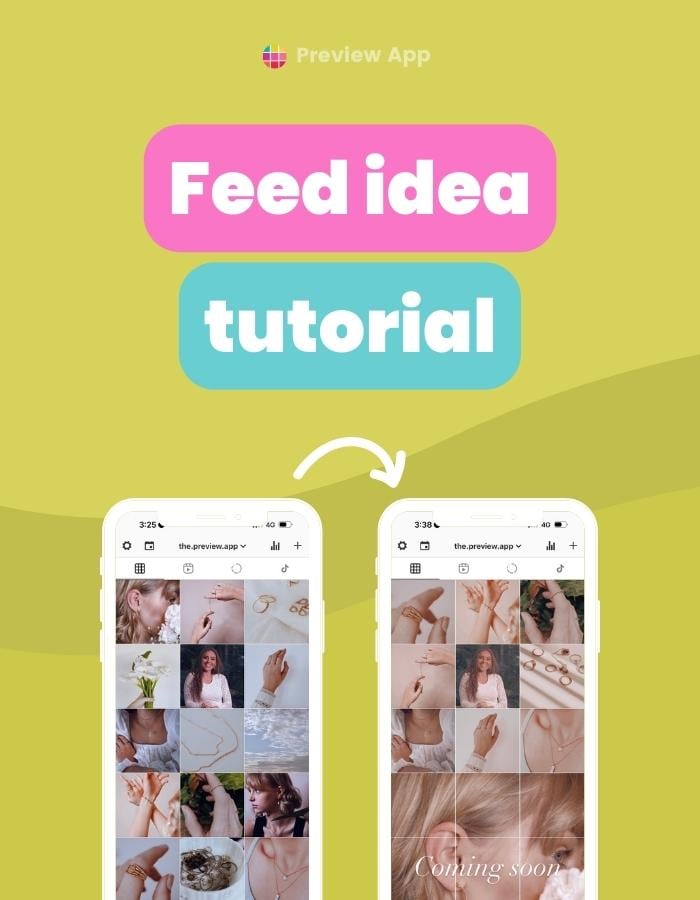
Let’s create a creamy Instagram feed together, step-by-step. And to make it extra special, let’s add a Puzzle Grid to it. I imagined I was creating a feed for a jewellery business. However, you can use the same filter and Puzzle Grid trick for a personal...
Preview has been officially reviewed and approved by TikTok for auto-posting. Here is how to auto-post on TikTok with Preview App (on your phone and desktop). You can auto-post to Instagram too if you want. Otherwise, just use it to only automatically post to TikTok....
You can repost as many Instagram posts as you want with Preview App (on your phone or computer). If you already use Preview App, you know what’s going on. Click here to see the Repost tutorial. If you don’t know about Preview, get excited. Here’s a quick introduction:...
I’m going to show you how to auto-post Instagram Stories with Preview App – from your phone and desktop. You can plan as many Stories as you want. You can also: Auto-post a bunch of Stories all at once Edit Stories Pre-watch your Stories And more....
Did you post your Reels and realized one of the text was missing? Instagram sometimes has glitches. Sometimes all your Reels Drafts could disappear. Yes, it happens. And sometimes your text could disappear after you post. So what can you do? How to fix Instagram Reels...
Let’s prepare amazing Instagram hashtags for your florist business. I will share lots of tips. All the hashtags I will show you work: Let’s get started! Instagram hashtags for florists How to find the hashtags BONUS #1: See your hashtag analytics BONUS #2:...
Hi there, we use cookies to give you the best experience on our website and to help us improve our service. By continuing to use our website, you consent to the use of these cookies.
 | Jul 17, 2023