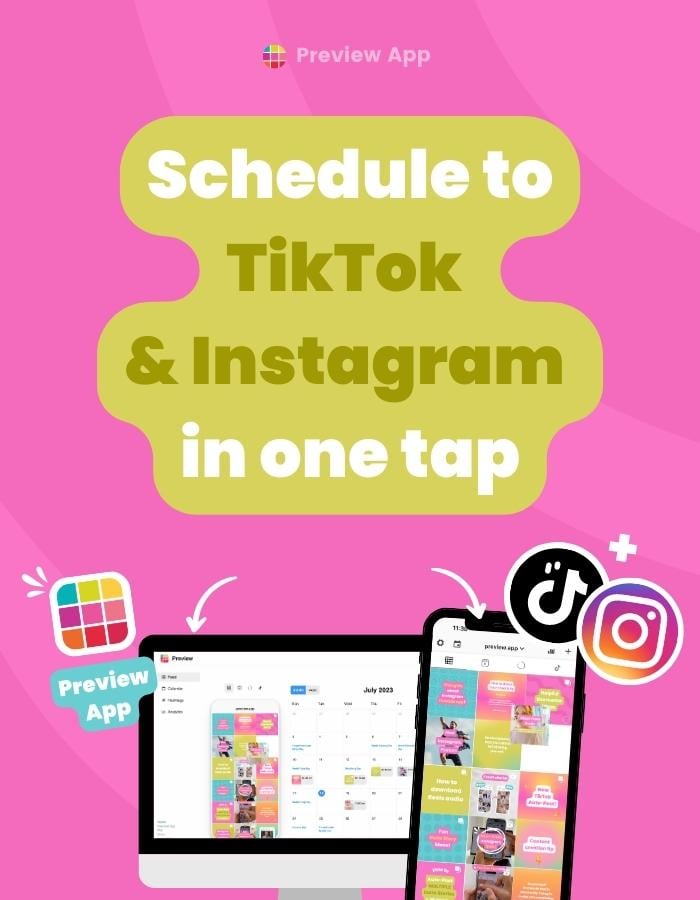
Want to schedule to TikTok and Instagram Reels? Preview App has been officially reviewed and approved by both TikTok and Instagram, so it is completely safe to use. Some of the things you can do with Preview: Just turn on ONE BUTTON to schedule the same video to BOTH...
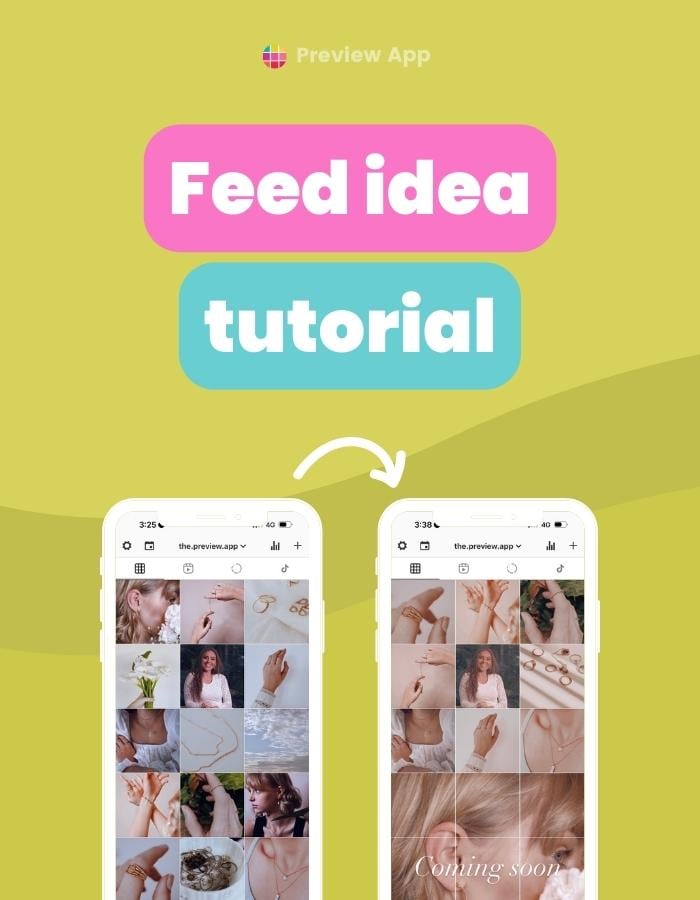
Let’s create a creamy Instagram feed together, step-by-step. And to make it extra special, let’s add a Puzzle Grid to it. I imagined I was creating a feed for a jewellery business. However, you can use the same filter and Puzzle Grid trick for a personal...
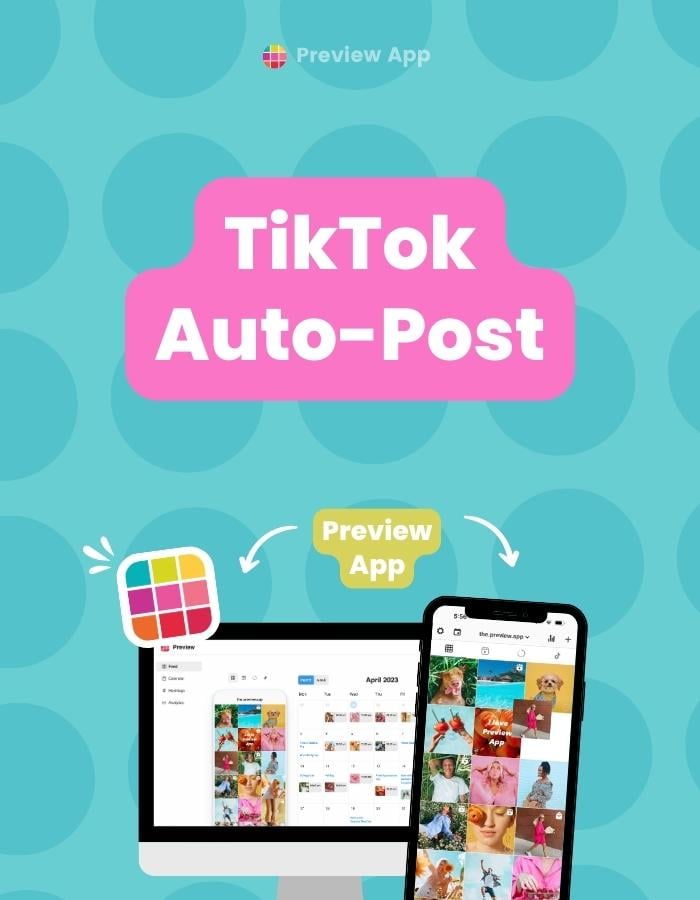
Preview has been officially reviewed and approved by TikTok for auto-posting. Here is how to auto-post on TikTok with Preview App (on your phone and desktop). You can auto-post to Instagram too if you want. Otherwise, just use it to only automatically post to TikTok....
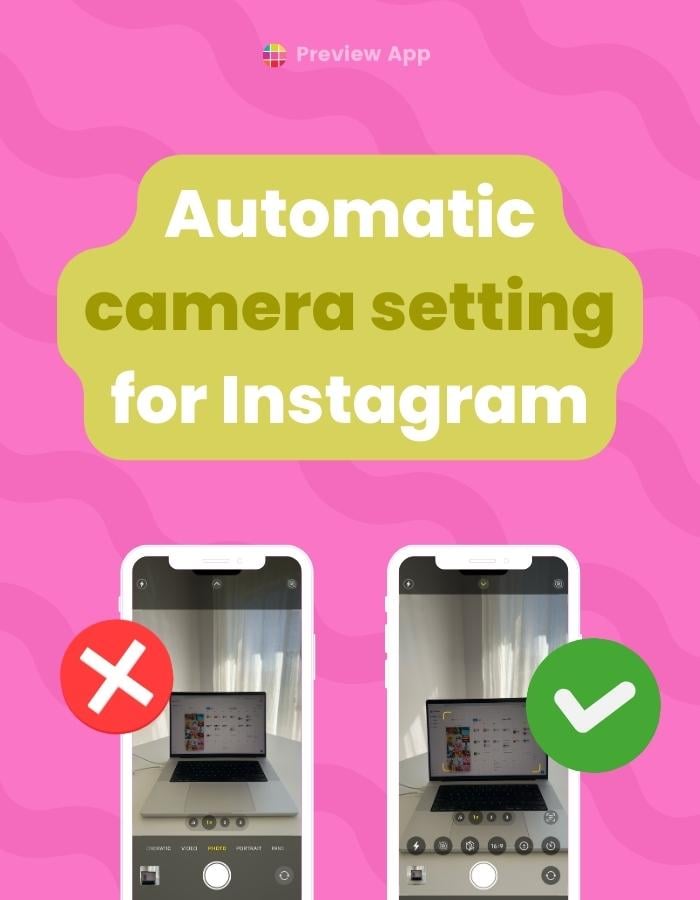
The standard camera setting on your phone is not “perfect” for Instagram. Instagram loves full screen for everything (Reels & Stories). But your phone camera is always set on a smaller ratio – by default. Like this: The good news is: You can...
Did you get the Instagram Story upload failed message? And the “retry” doesn’t work either? I’ve tried turning off & on my Internet. Reloading my Instagram. But it just doesn’t work. So far there’s only this one thing that...
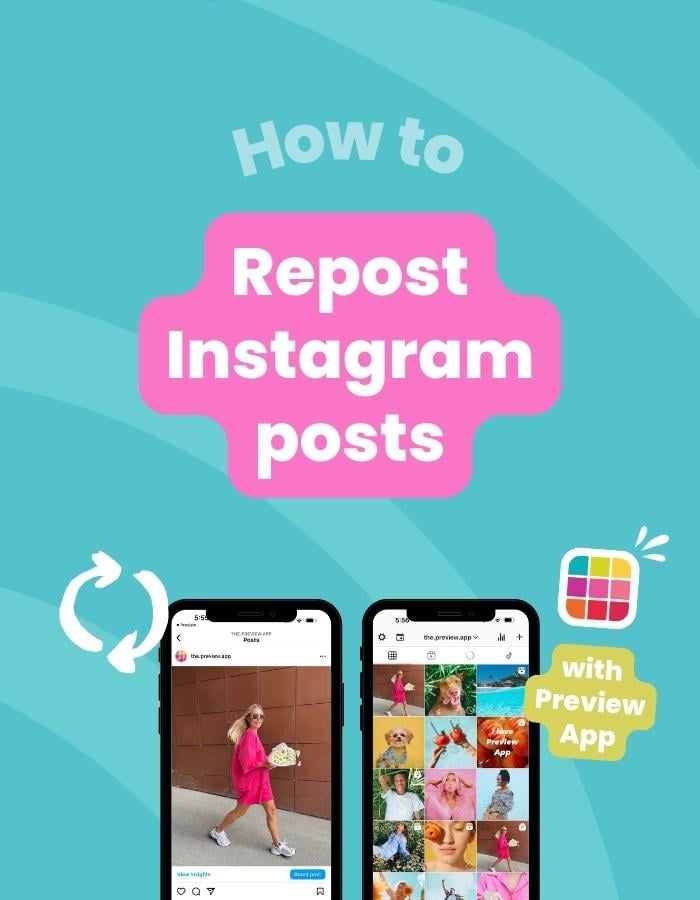
You can repost as many Instagram posts as you want with Preview App (on your phone or computer). If you already use Preview App, you know what’s going on. Click here to see the Repost tutorial. If you don’t know about Preview, get excited. Here’s a quick introduction:...
 | Jul 20, 2023